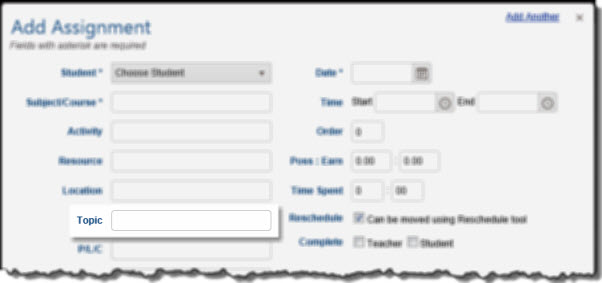
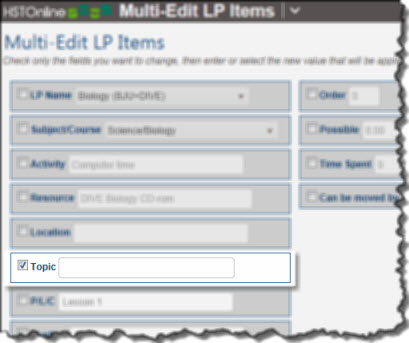
Topic: What is it?
|
Enabling the Topic Field
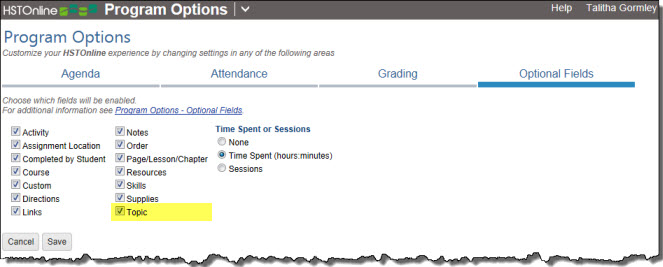
The Topic field is optional and can be enabled and disabled via Program Options in the HSTOnline menu. By default, the Topic field is enabled.
Disabling this field will:
- Remove the Topic field from the Assignment and Lesson Plan add/edit windows
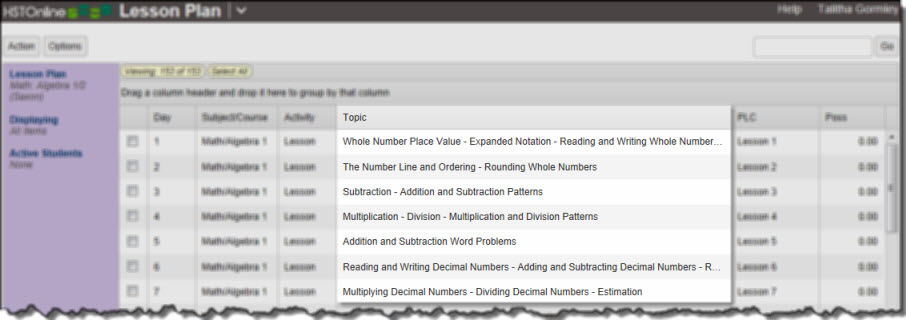
- Remove the Topic column from the Agenda - List View and Lesson Plan pages
- Disable the Scope & Sequence - Assignments reports
- Disable the Scope & Sequence - Lesson Plan reports
- On the HSTOnline menu, click or touch Program Options.
- On the Program Options page, click or touch the Optional Fields tab.
- Click or touch the box next to Topic to add a checkmark to enable the field; or to remove a checkmark to disable the field.
- Click or touch Save to keep your changes.
- Click or touch 'Ok' on the 'Changes Saved' window.
Displaying the Topic Column
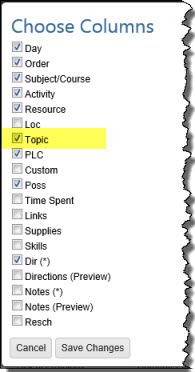
When the Topic field is enabled, you can choose whether to display or hide the column in the Agenda - List View and/or Lesson Plan pages.
In the Agenda - List View or Lesson Plan page:
- Click or touch the Options button.
- Click or touch 'Choose Columns' to open the Choose Columns window.
- Click or touch the checkbox next to Topic to add a checkmark to display the column; or to remove a checkmark to hide the column.
- Choose to display or hide any other columns as needed.
- Click or touch:
- Cancel to close the Choose Columns window without making any changes to your column display.
- Save Changes to reset the displayed columns according to your selections.
Entering a Topic
Topics are a free-text entry of up to 150 characters and can be added to Assignments and Lesson Plan items. You can enter your Topics for each item individually, or use the multi-edit feature to enter the same Topic for two or more items at the same time. Please see the associated Help Pages for step by step instructions.